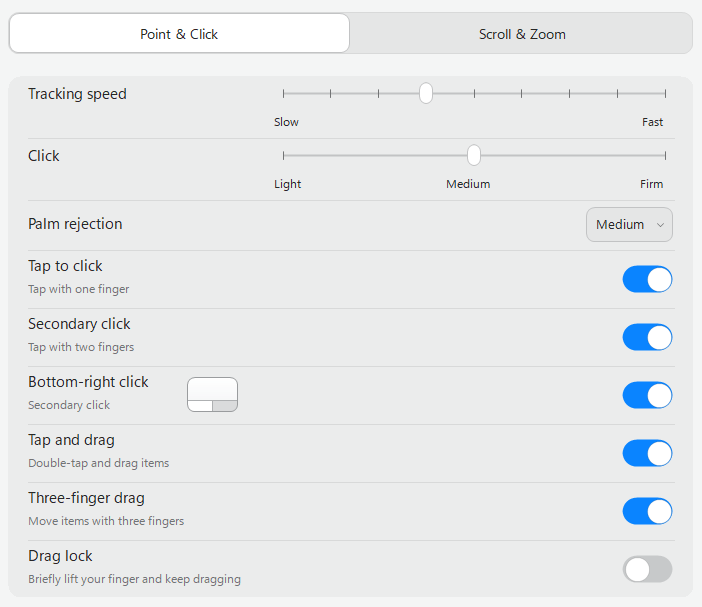
Complete Trackpad controls
Tune tracking, clicking, scrolling, zooming, and multi-finger gestures in one app.
One app to connect and manage Magic Trackpad, Magic Mouse, and Magic Keyboard.
Product controls are complete. The production-signed public installer is being prepared.
Explore Magic Trackpad for Windows
Why Magic Link
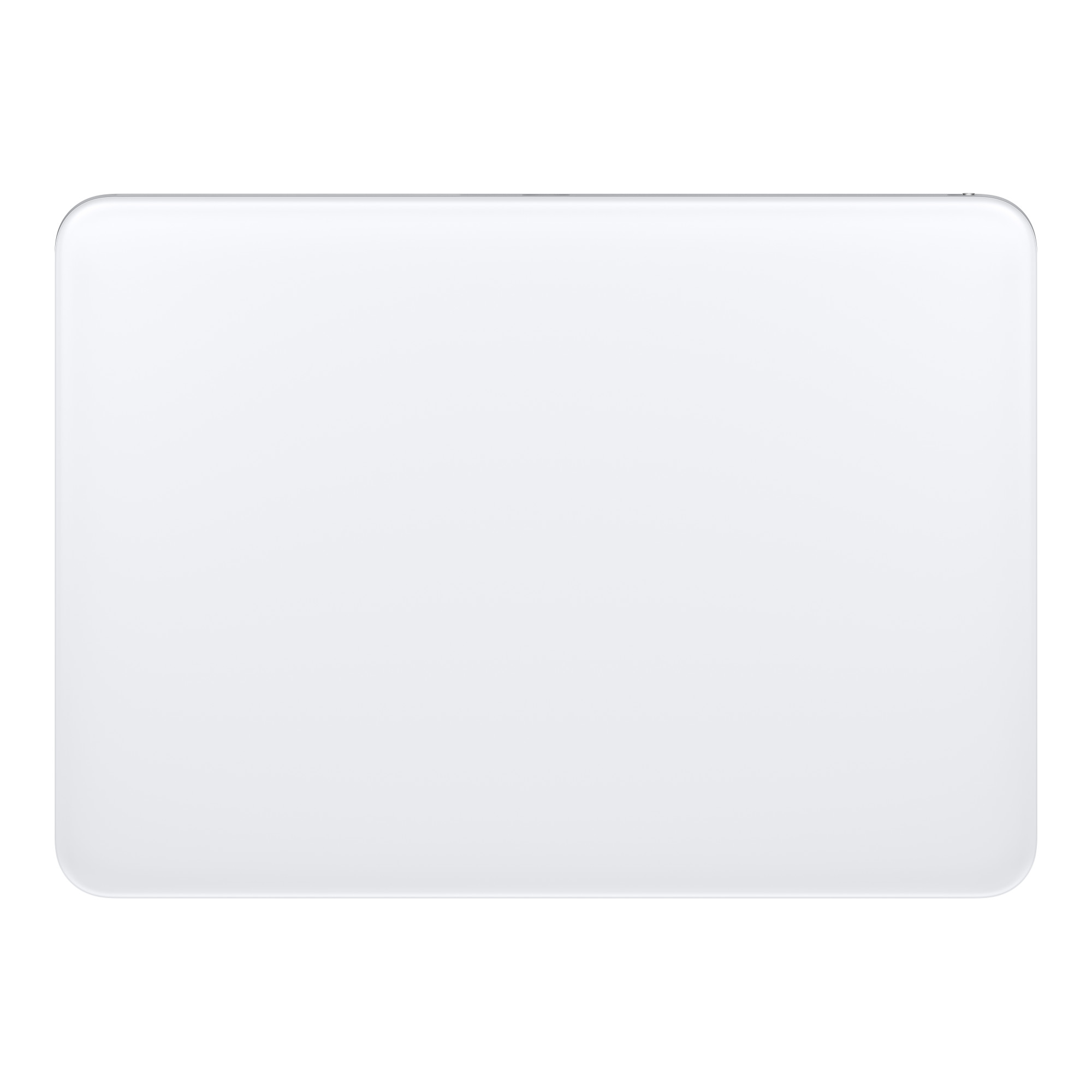
Tune tracking, clicking, scrolling, zooming, and multi-finger gestures in one app.
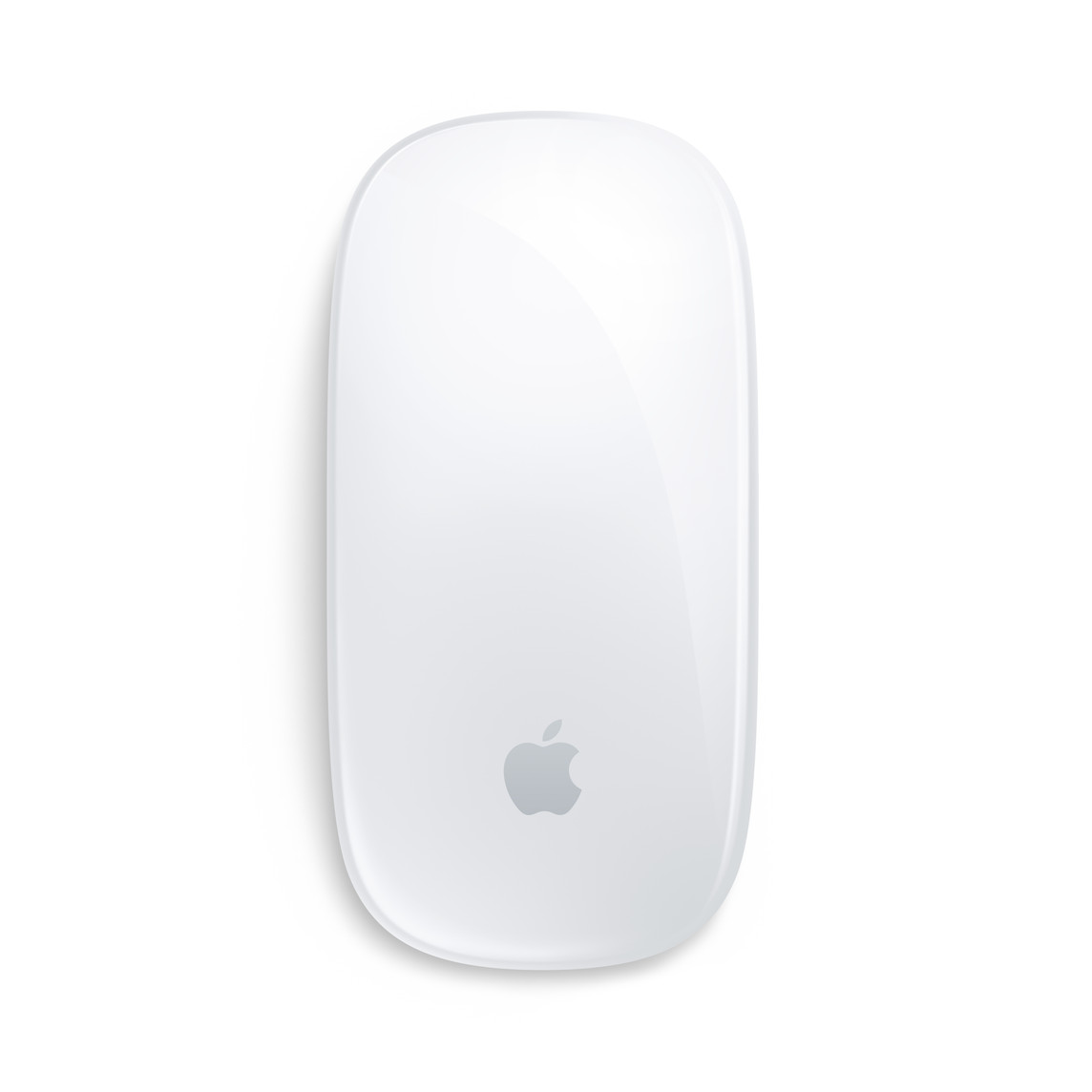
Configure your supported Magic Mouse and see how it is connected.
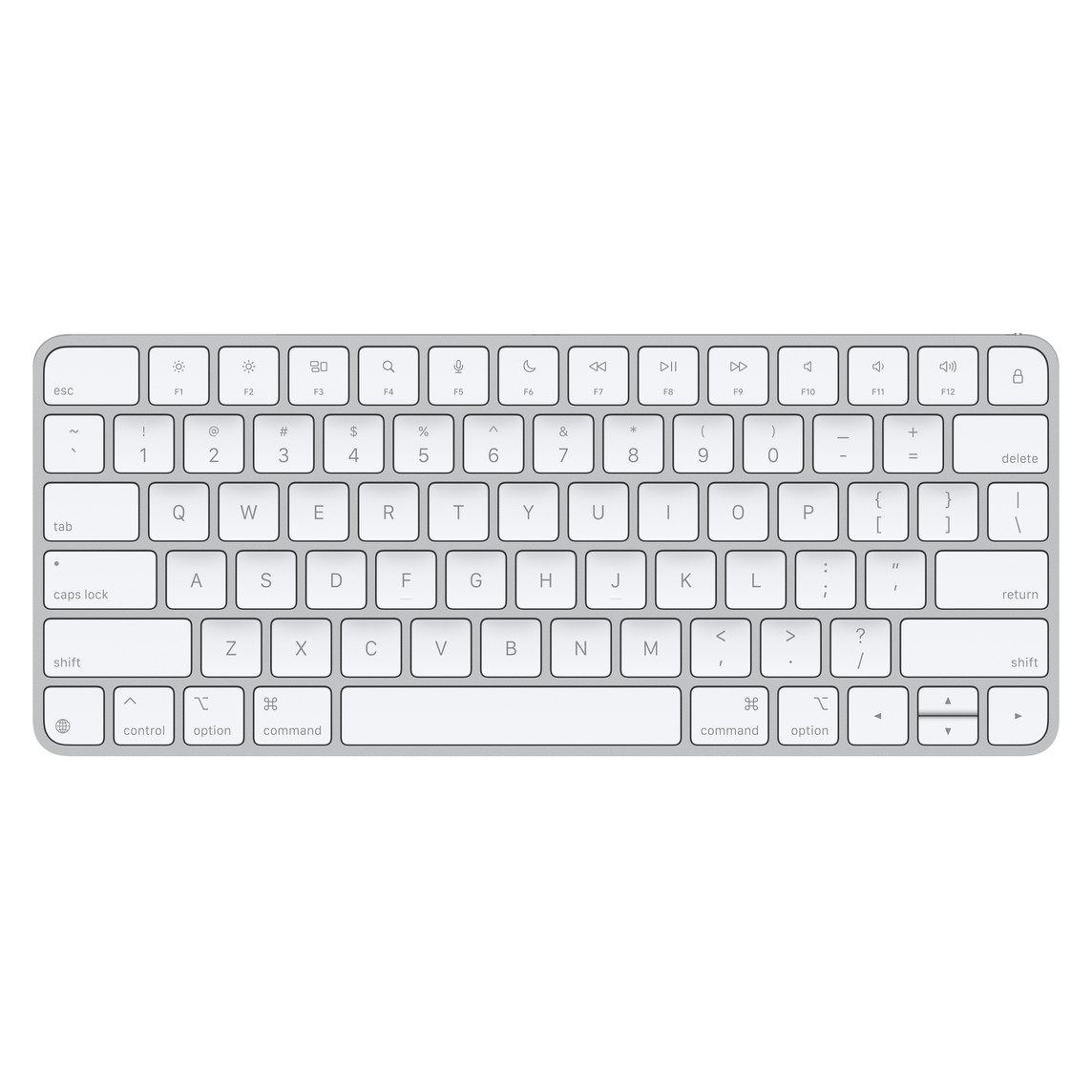
Manage supported Magic Keyboard models alongside your Trackpad and Mouse.
Compatibility
Controls for Magic Trackpad, Magic Mouse, and Magic Keyboard are complete. The first signed public release will publish the exact validated model and connection matrix so you can confirm compatibility before installing.
Learn more
Magic Trackpad
1 year · One Windows PC · Selected devices only
Renew manually at expiry. No automatic charges.
FAQ
Magic Link is an independent app with device-specific controls for supported Magic Trackpad, Magic Mouse, and Magic Keyboard models on Windows 10 and 11.
Yes. Magic Link supports compatible Magic Trackpad models on Windows 10 and 11 over wired or Bluetooth connections.
Yes. For supported models, Magic Link provides tracking, clicking, scrolling, zooming, and multi-finger gesture settings.
A 30-day free trial is planned for the first public release so you can test device, system, and driver compatibility.
Core settings and device use are local. License activation and update checks may require a connection.
Yes. Magic Link controls for all three device families are complete. The public installer is still being prepared.
No. Magic Link is an independent Windows utility and is not affiliated with or endorsed by Apple.
Use GitHub Issues and include your Windows version, device model, connection type, and diagnostics.